
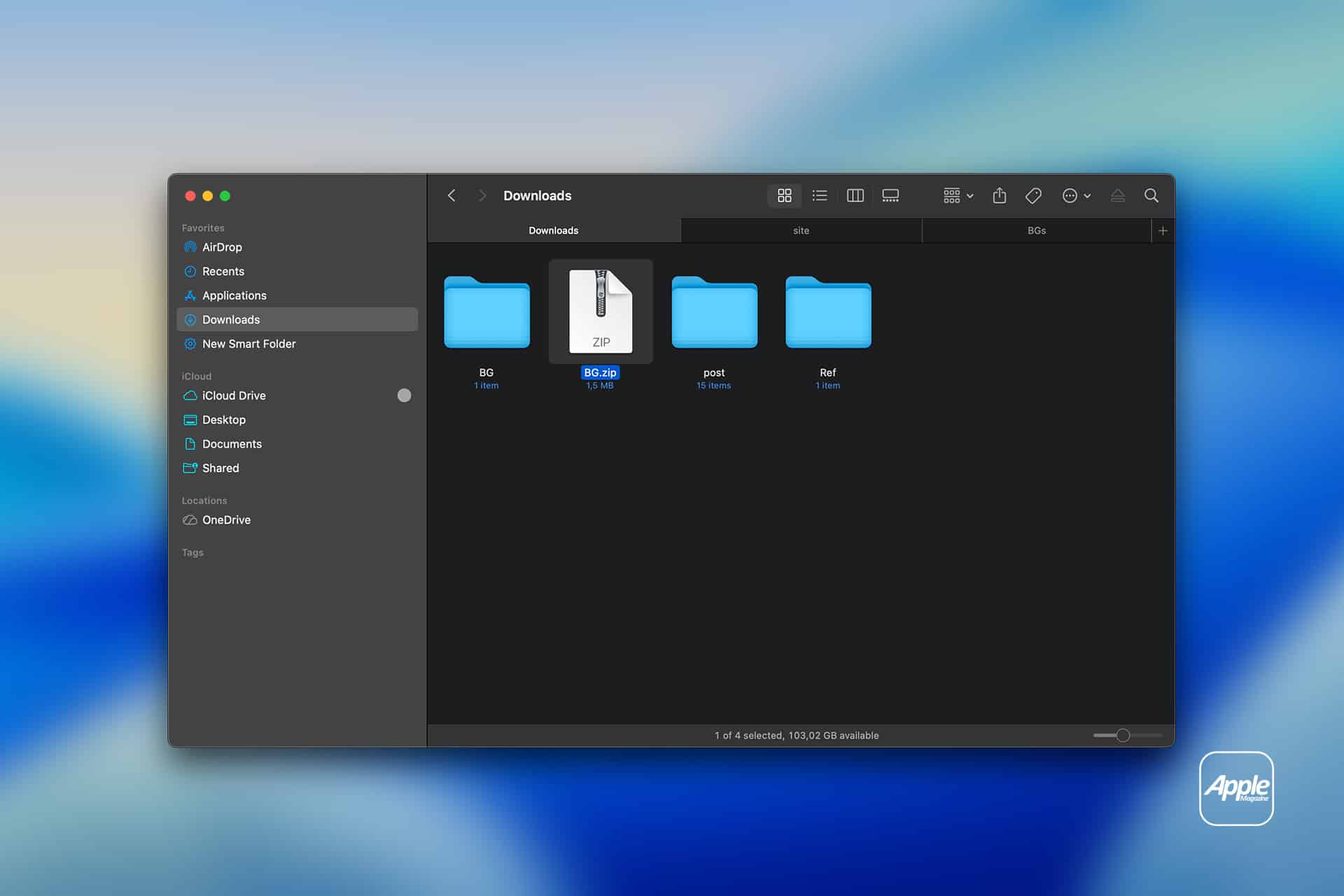

A Mac Finder window displays the Downloads folder, showcasing three blue folders and a highlighted ZIP file—illustrating Mac File Compression. The Apple logo appears in the bottom right corner against a blurred blue background.
A Mac Finder window displays the Downloads folder, showcasing three blue folders and a highlighted ZIP file—illustrating Mac File Compression. The Apple logo appears in the bottom right corner against a blurred blue background.