
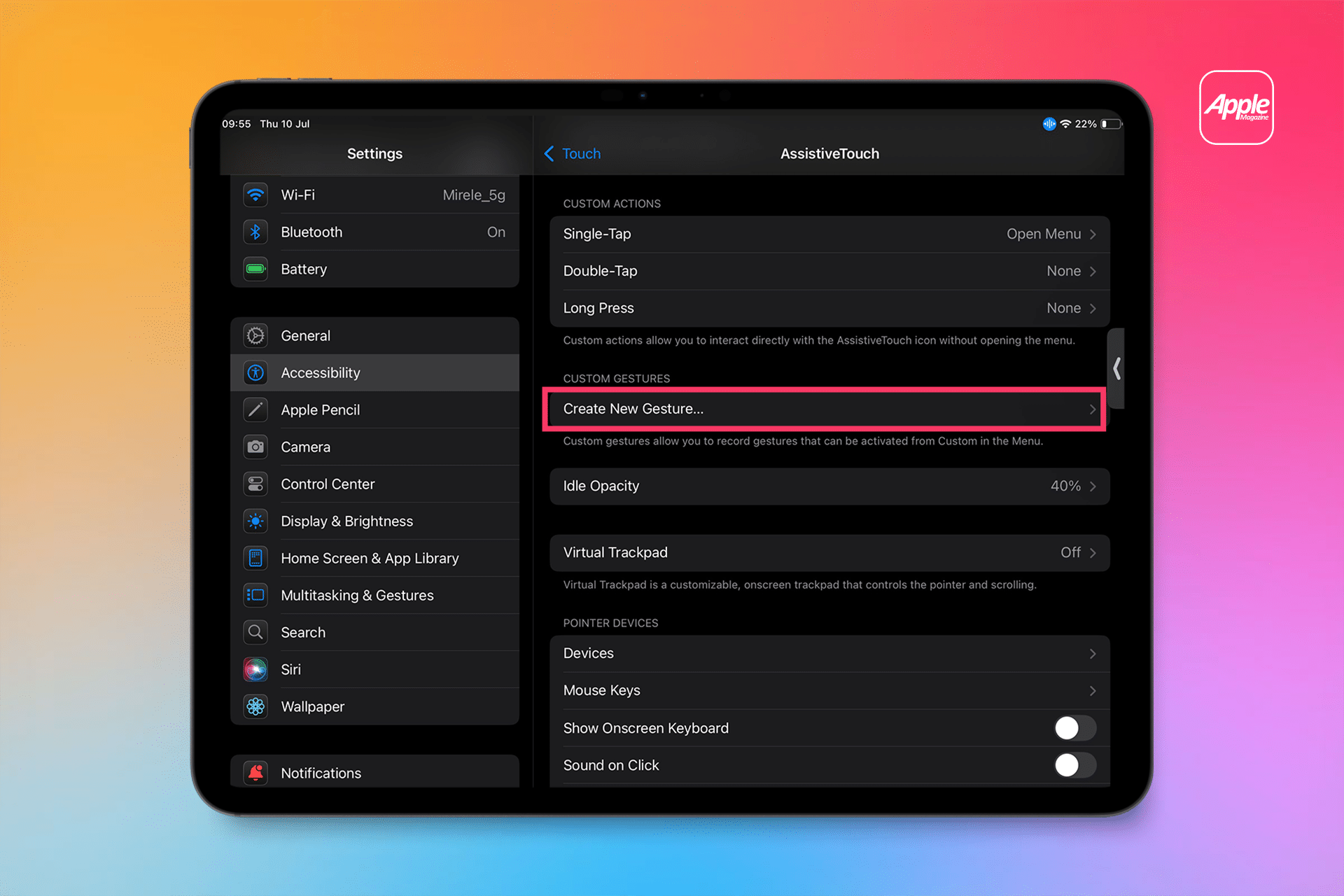

An iPad screen displays the Accessibility > Touch > AssistiveTouch settings in iPadOS, highlighting the “Create New Gesture…” option under Custom Gestures. The Apple logo appears in the top right on a colorful gradient background.
An iPad screen displays the Accessibility > Touch > AssistiveTouch settings in iPadOS, highlighting the “Create New Gesture…” option under Custom Gestures. The Apple logo appears in the top right on a colorful gradient background.